How to Connect a MIDI Keyboard to iPad (USB-C & Lightning Guide)
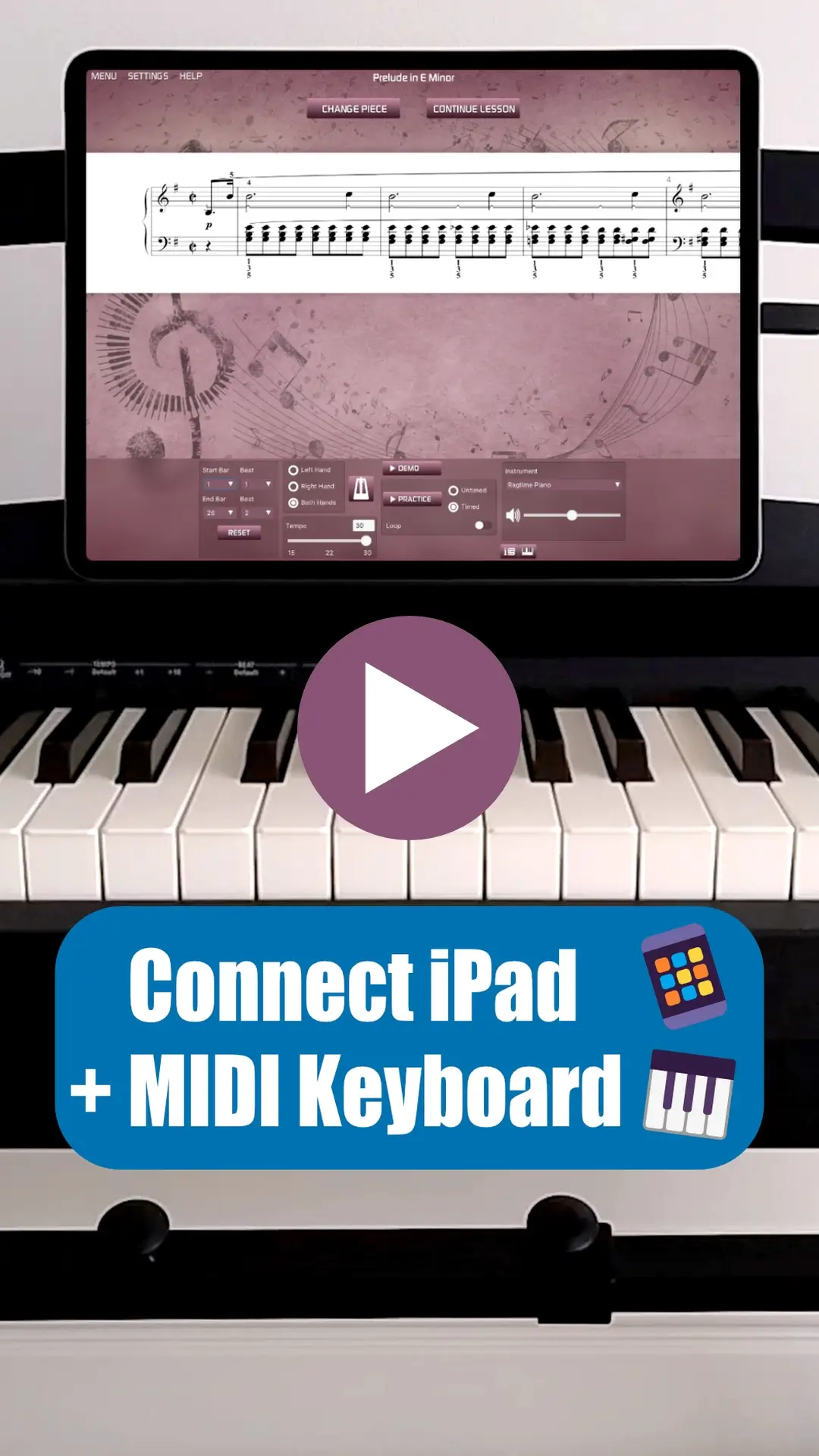
🔌 Plug In & Play: iPad + MIDI Keyboard 🎹
Want to connect your MIDI keyboard to an iPad using a cable?
Whether your iPad has a USB-C port or a Lightning connector, this short video shows you exactly what cable or adapter you need.
Once you’re connected, Musiah makes learning piano easy, fun, and fast—perfect for adult beginners.
We’ll cover:
✅ USB-B to USB-C cable for newer iPads
✅ Lightning adapter options for older iPads
✅ Power tips for USB-powered keyboards
✅ Quick setup with Musiah (A.I. piano lessons app)
- This guide applies to iPad 4 through iPad Pro (2nd Gen).
- Older iPads may require legacy adapters not described here.
- iPad models with USB-C ports (e.g., iPad Pro 3rd Gen and later) require a USB-C to USB adapter.
The Fundamental Question: Power Supply
Before you buy any cables, you must address a critical hardware reality: an iPad running on battery usually does not have enough "juice" to power both its own display and an external MIDI keyboard.
SCENARIO 1: Your Keyboard has its own power supply
If your MIDI keyboard plugs into a wall outlet via its own power cable, you can use standard Apple connection kits. You can connect a MIDI-to-USB cable or a standard USB 2.0 cable from your keyboard into an iPad Camera Connection Kit or a Lightning to USB Camera Adapter, then plug that directly into your iPad.
SCENARIO 2: Your Keyboard is USB-powered
If your MIDI keyboard does not have its own wall plug, it draws its power directly from the USB port. When used with a computer, this is fine; however, the iPad cannot provide this level of power on its own.
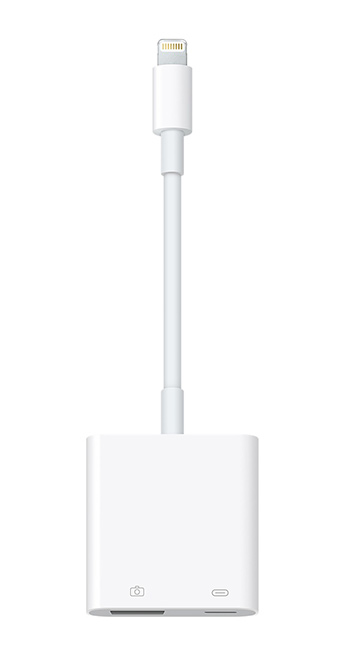
For these keyboards, I recommend the Lightning to USB 3 Camera Adapter. This adapter allows you to connect your keyboard via a USB 2.0 cable while simultaneously connecting your iPad’s power supply to the adapter. This provides the necessary power for the keyboard and keeps your iPad charged during your piano lessons.
In my opinion, this is the most versatile adapter Apple offers because it works with every MIDI keyboard scenario and ensures you never run out of battery mid-song.
Disclaimer: Apple connectors evolve quickly. If you are unsure about your specific model, Apple support can provide the most current advice on connectors for your iPad generation.
Handy Tip: For more hands-on piano tips: Subscribe to our Youtube Channel.
Ready to Start Your 14-Day Free Trial?
Now that your connection is secure, discover how Musiah can help you learn up to 16 times faster than traditional methods.
- ✓ Optimized for MIDI keyboards and iPads
- ✓ Engaging lessons for adults and kids
- ✓ Instant feedback on every note
Looking for a wireless setup instead? See our guide on Bluetooth MIDI Connections.