How To Connect A MIDI Keyboard To An iPad With Bluetooth
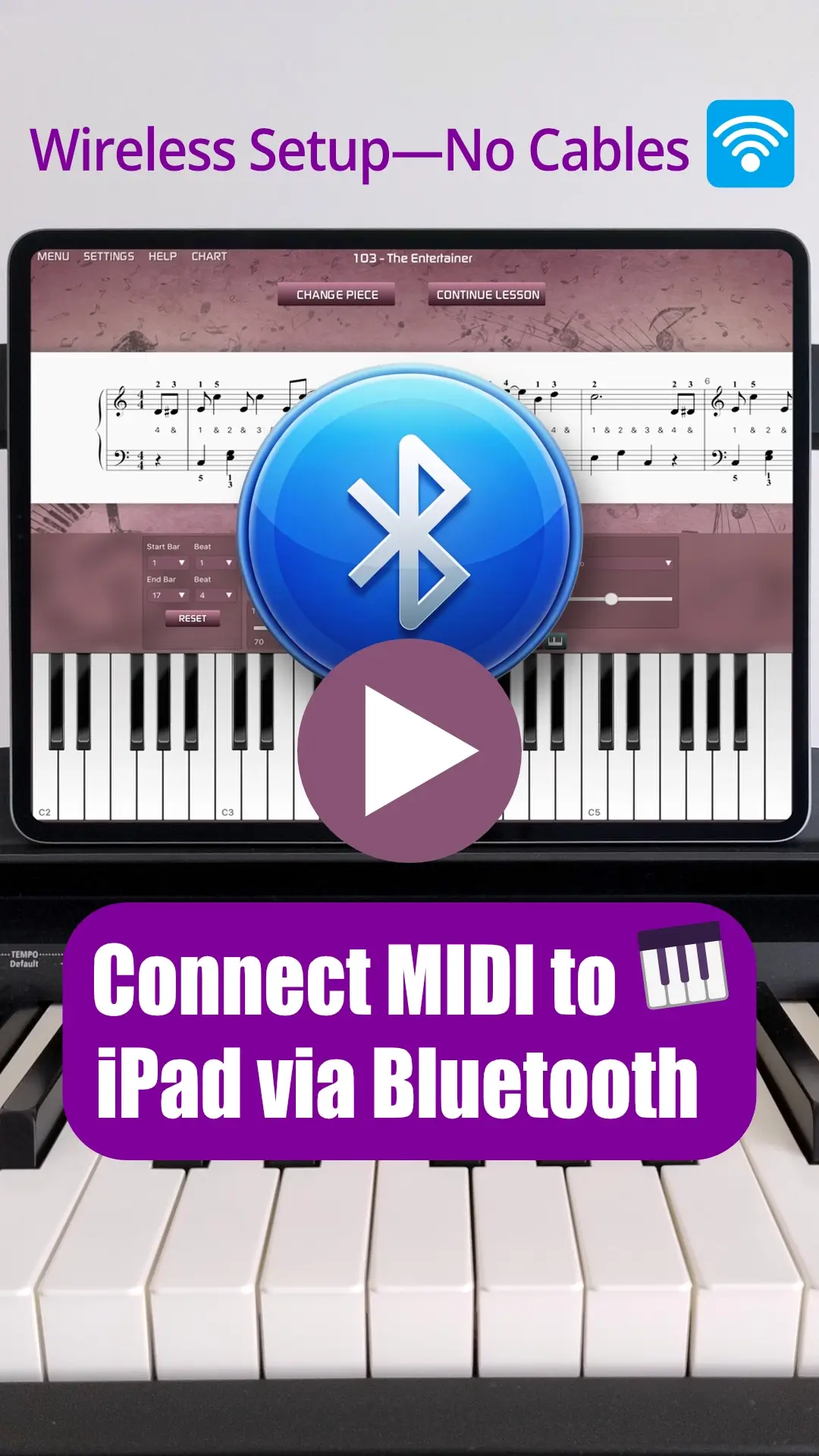
Watch: How To Wirelessly Connect A MIDI Keyboard To iPad With Bluetooth
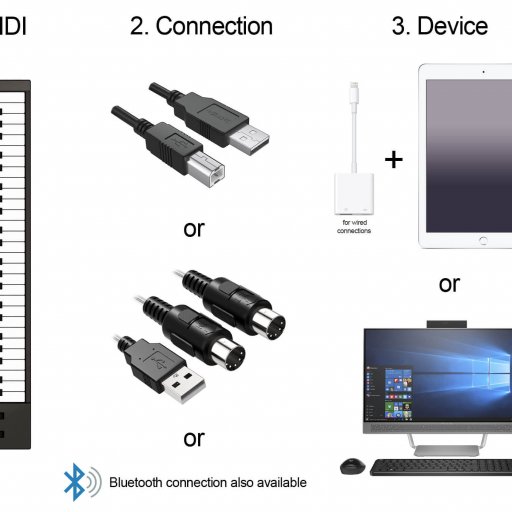
For those who prefer a written guide, we have outlined the standard Bluetooth connection methods and specialized adapter options below. To date, the traditional way to connect has been a wired link; you can learn about wired iPad connections here if you find Bluetooth isn't suitable for your specific hardware.
Standard Bluetooth MIDI Instruments
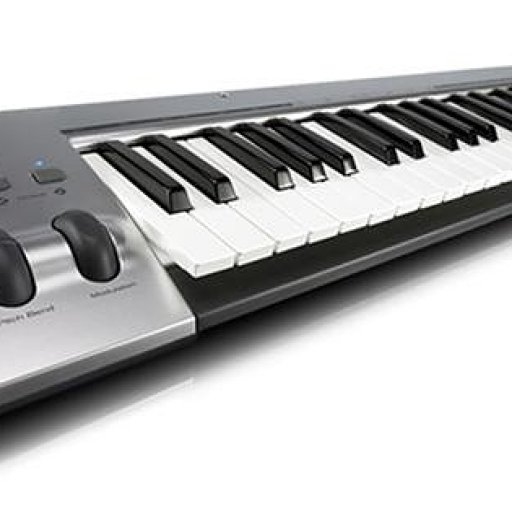
Many modern digital pianos and keyboards now include built-in Bluetooth. If your instrument supports this natively, the setup is incredibly straightforward:
- Turn "ON" Bluetooth in your iPad's system settings.
- Enable Bluetooth on your MIDI keyboard.
- Turn "ON" the Bluetooth MIDI connection within your MIDI application.
For users of the Musiah piano lessons app, simply click "Settings" and then "Connect Bluetooth MIDI Device." It’s that easy.
Bluetooth MIDI Adapters
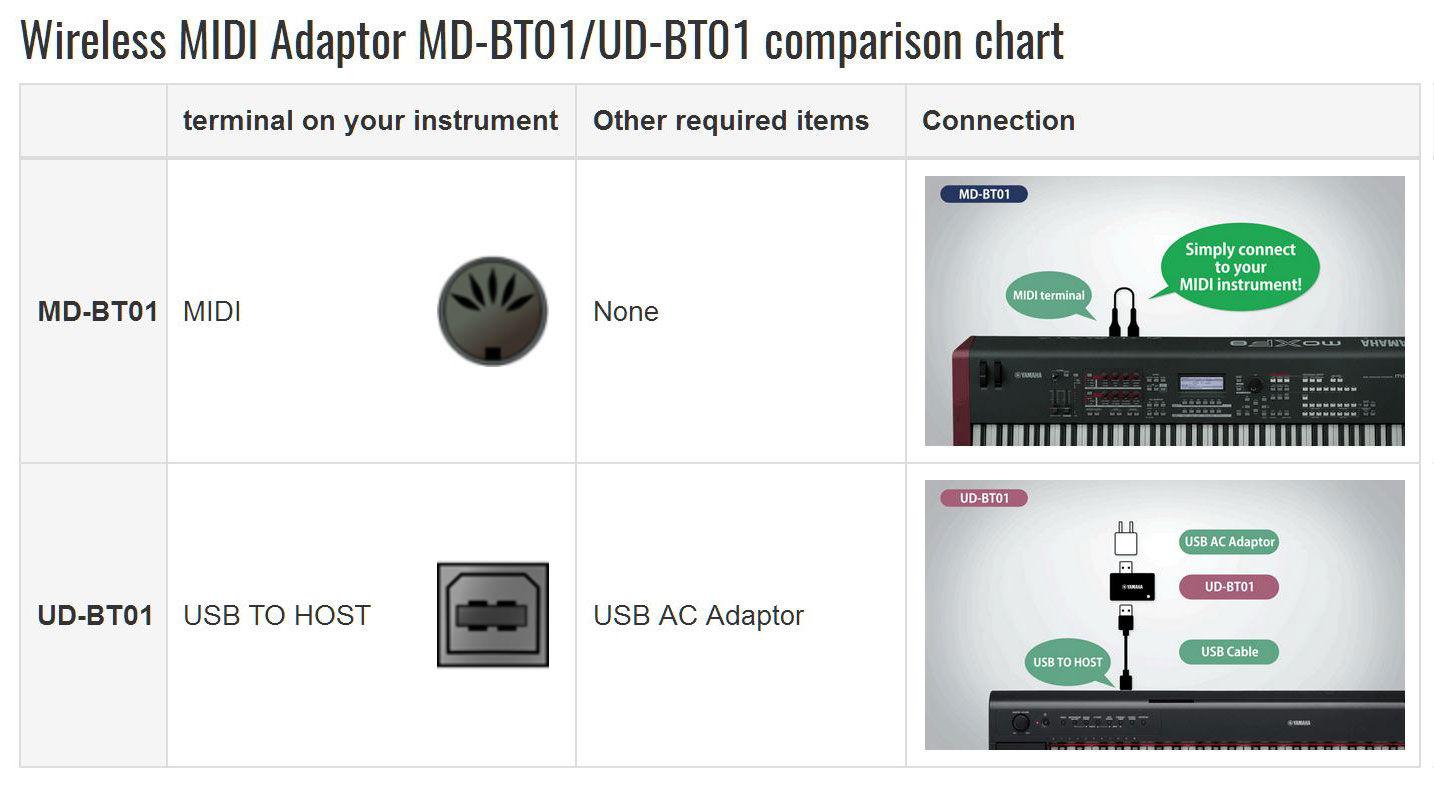
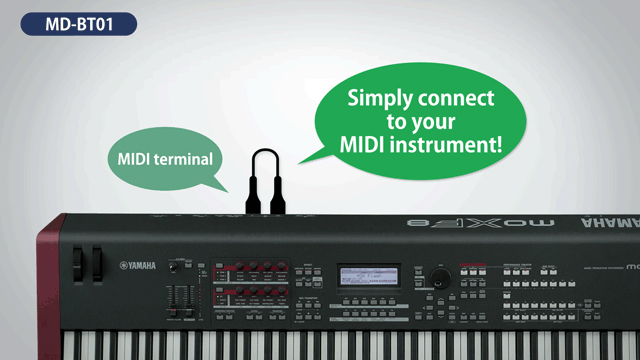
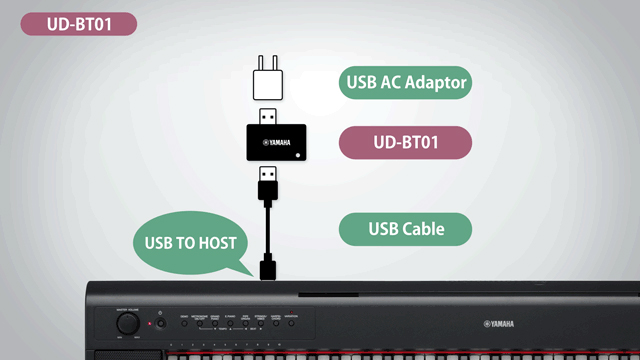
If you have a standard, non-Bluetooth MIDI keyboard, you can use affordable adapters like the Yamaha MD-BT01 or UD-BT01. Here is a simple way to remember which is which:
- "M" (MD-BT01): For keyboards with traditional 5-pin MIDI In/Out ports.
- "U" (UD-BT01): For keyboards with a USB-to-Host port.
Which Adapter Should You Choose?
The MD-BT01 plugs directly into your MIDI In/Out ports. It magically draws power from the ports themselves to broadcast data to your iPad. This is ideal for standalone instruments with their own power supply.
The UD-BT01 is designed for MIDI controllers that lack their own power supply. Since an iPad cannot power both itself and a controller, the UD-BT01 plugs into a USB AC power adapter (like your iPad charger) to provide power to your keyboard while broadcasting MIDI data wirelessly.
The Verdict: Compatibility and Reliability
If your keyboard has both MIDI and USB ports, always choose the USB-to-Host option (UD-BT01). USB connections are not subject to the same compatibility issues that can sometimes plague older 5-pin MIDI-to-USB cables.
In our tests with the Musiah piano lessons syllabus, we found these adapters work 100% as intended with most hardware. However, on highly complex pieces with heavy note data, we noticed occasional "Note Off" messages might not reach the iPad, causing notes to sound indefinitely.
Reliability can vary depending on your specific keyboard model. For example, we had minor issues using the UD-BT01 with an M-Audio KeyRig 49, but no issues with three other MIDI keyboards. In light of this, we provide this information for reference rather than as a formal recommendation. If you choose to use a Bluetooth MIDI adapter, it will likely work well, but a wired connection remains the "gold standard" for 100% data accuracy.
Ready to Experience A.I. Piano Lessons?
Now that your keyboard is connected, discover why Musiah is the most effective way to learn piano from home.
- ✓ Works with any MIDI keyboard
- ✓ Real-time feedback from an A.I. teacher
- ✓ Perfect for both adults and kids
Try Musiah completely free for 14 days and start your musical journey today.
👉 Try Musiah Free For 14 Days